Implement and operate using a professional toolset
Software
It still has a reference implementation. Conformance is defined by the published weights and the per-criterion breakdown a host releases, never by the product used to produce them: a spreadsheet and a printed form conform if they preserve both.
The council recommends LiveJudge™, and these are the four behaviors that the recommendation rests on.
Reference implementation
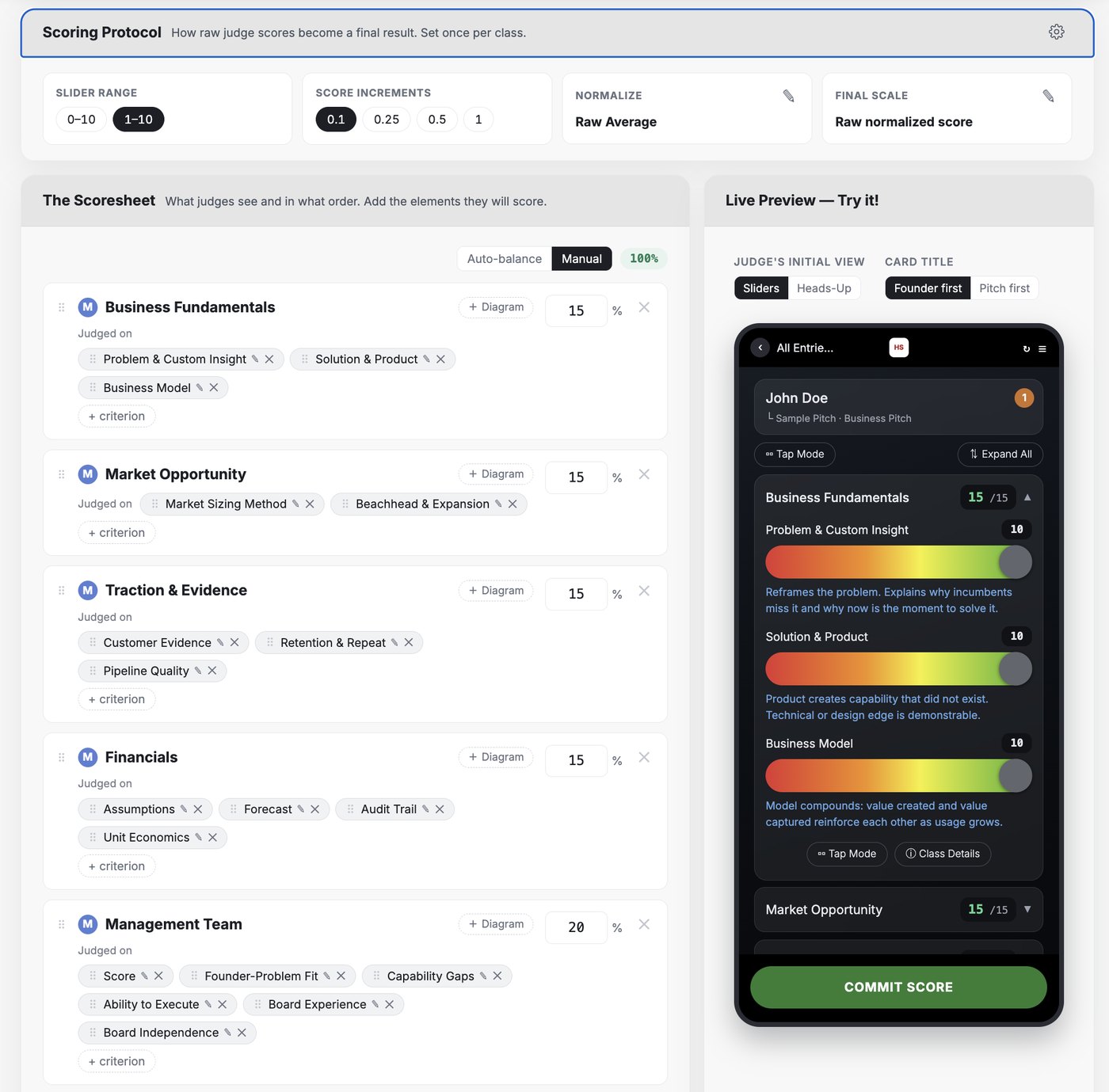
The council does not require any particular software, and any platform that preserves the published weights conforms. It does recommend one. LiveJudge™ is the platform the standard is written against, and it is the working example of what each commitment looks like when it is enforced by the tool instead of by the organizer's memory on the morning of the event.
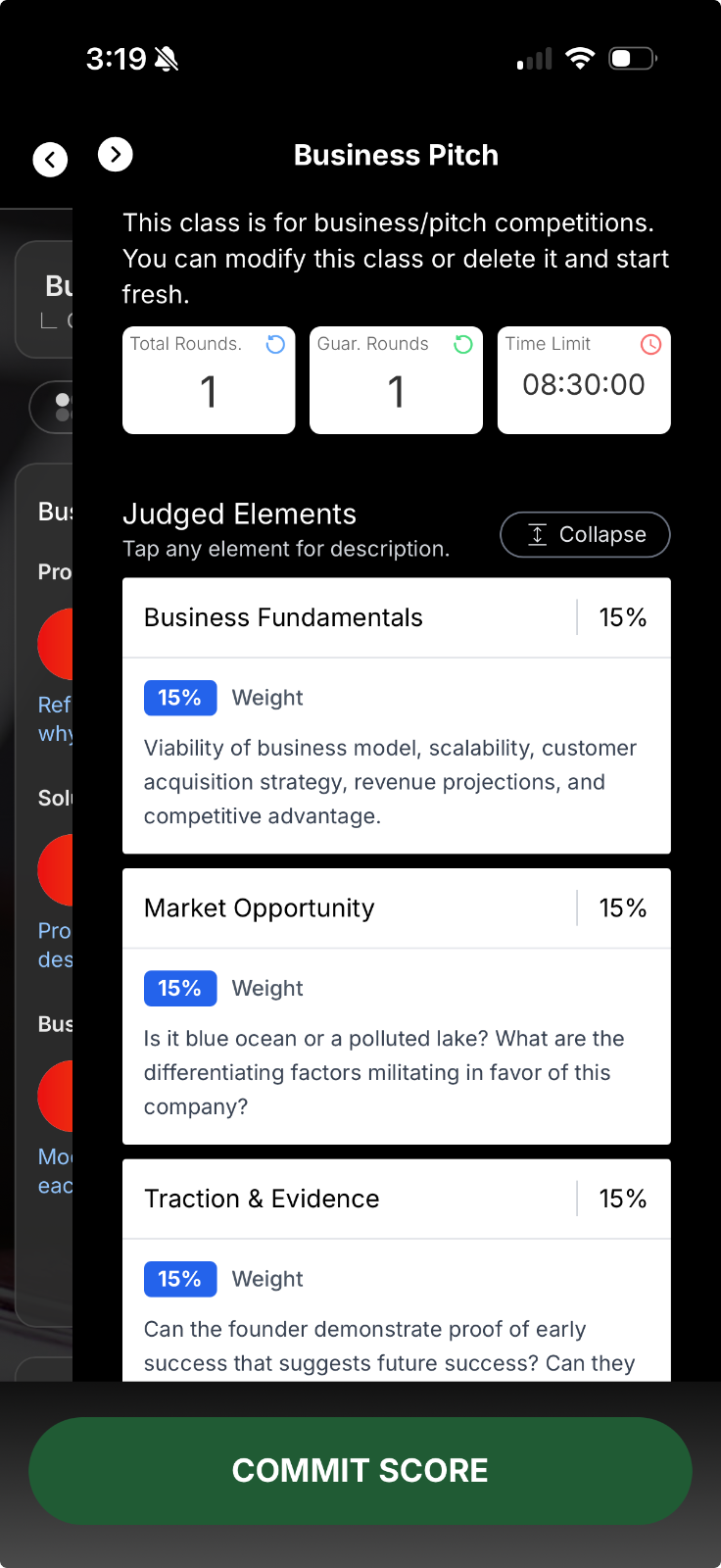
Every division, weight and criterion in the standard ships preloaded. Moreover, the software provides a simplified interface for judges who can quickly work through the standards and enter scores without spreadsheets, paper or a complex screen to navigate on the fly.
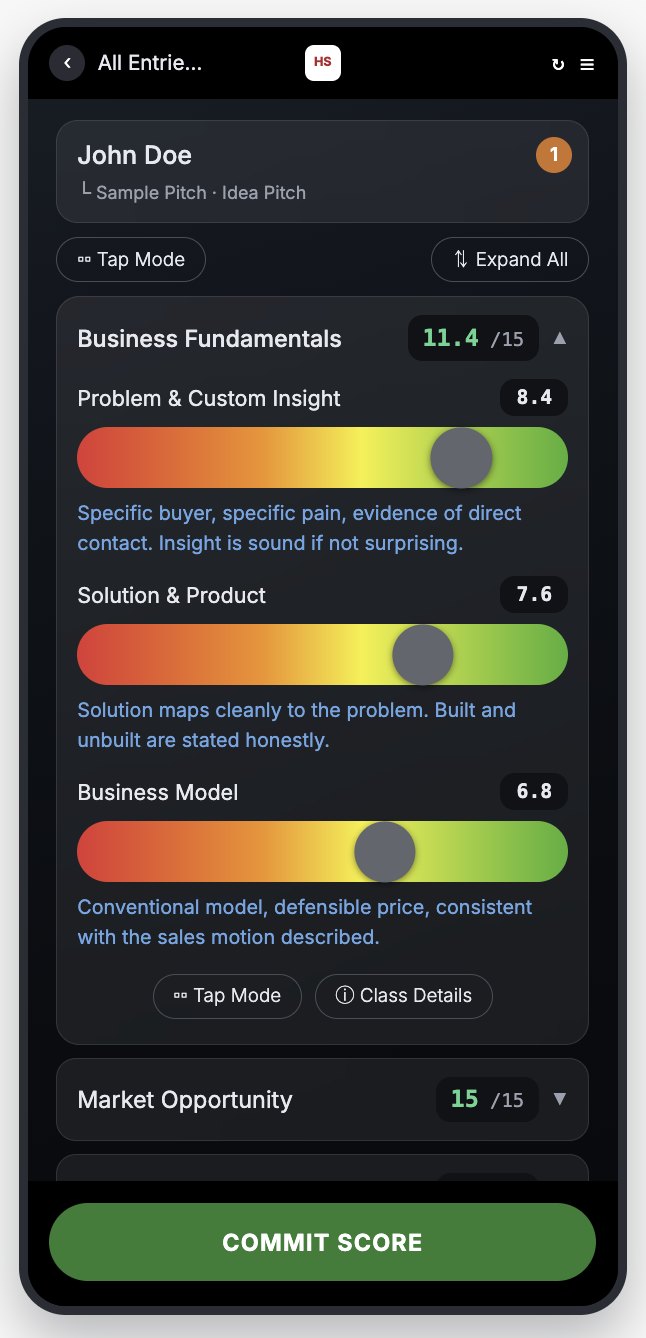
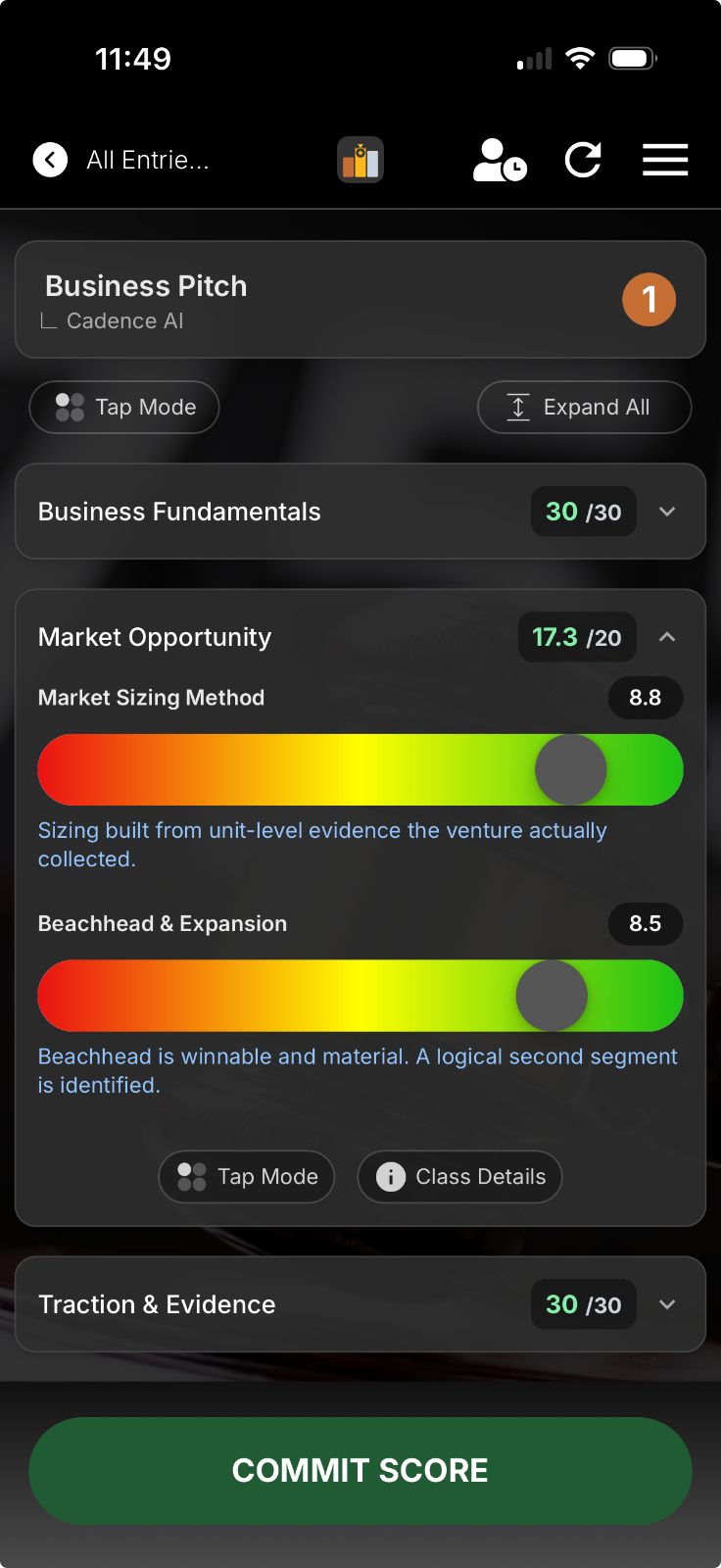
Supports Publish before you openEach criterion is a 1 to 10 slider, and as the judge moves it the anchored definition for that value is displayed. A 7.5 is not a number a judge has to interpret privately. The software displays the written standard for a 7.5, so two judges land on the same number for the same reason.
Supports Score what you publishedJudges talk or type additional comments. Spoken clips are transcribed into a memo attached to that entrant's result, which they can read after the event alongside their scores.
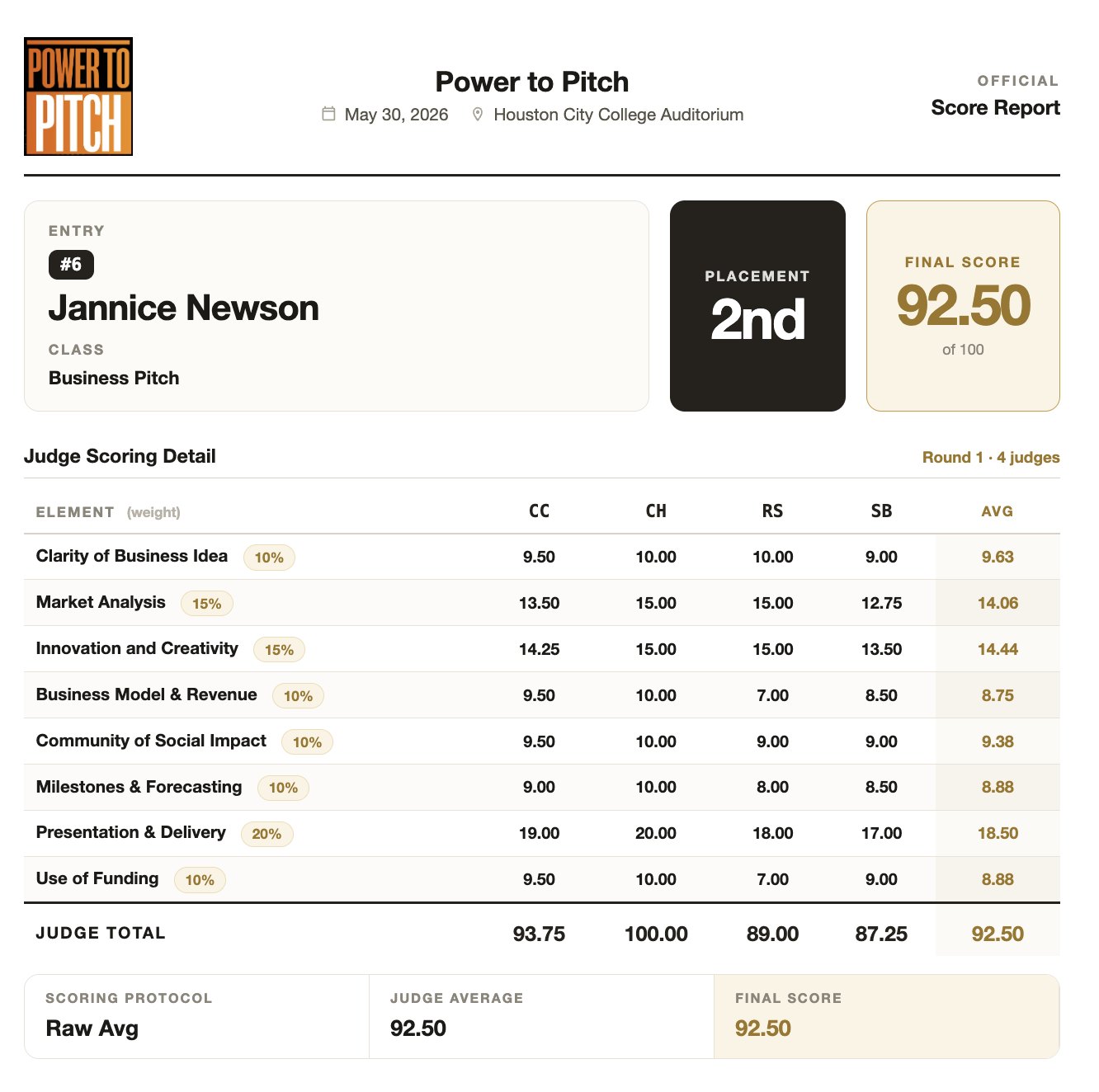
Supports Release and explainThe host can print a scoresheet for every contestant: criteria, weights, each judge's marks and the resulting total. It is what goes in the record, what a founder can be handed on the way out, and what an appeal is settled against.
Supports Release and explainSection 5 of the standard walks through the same four behaviors screen by screen, from the contestant, judge, audience and organizer sides.
On the day
What the three commitments look like in the room: what an entrant sees, what a judge is handed, and what the audience gets.
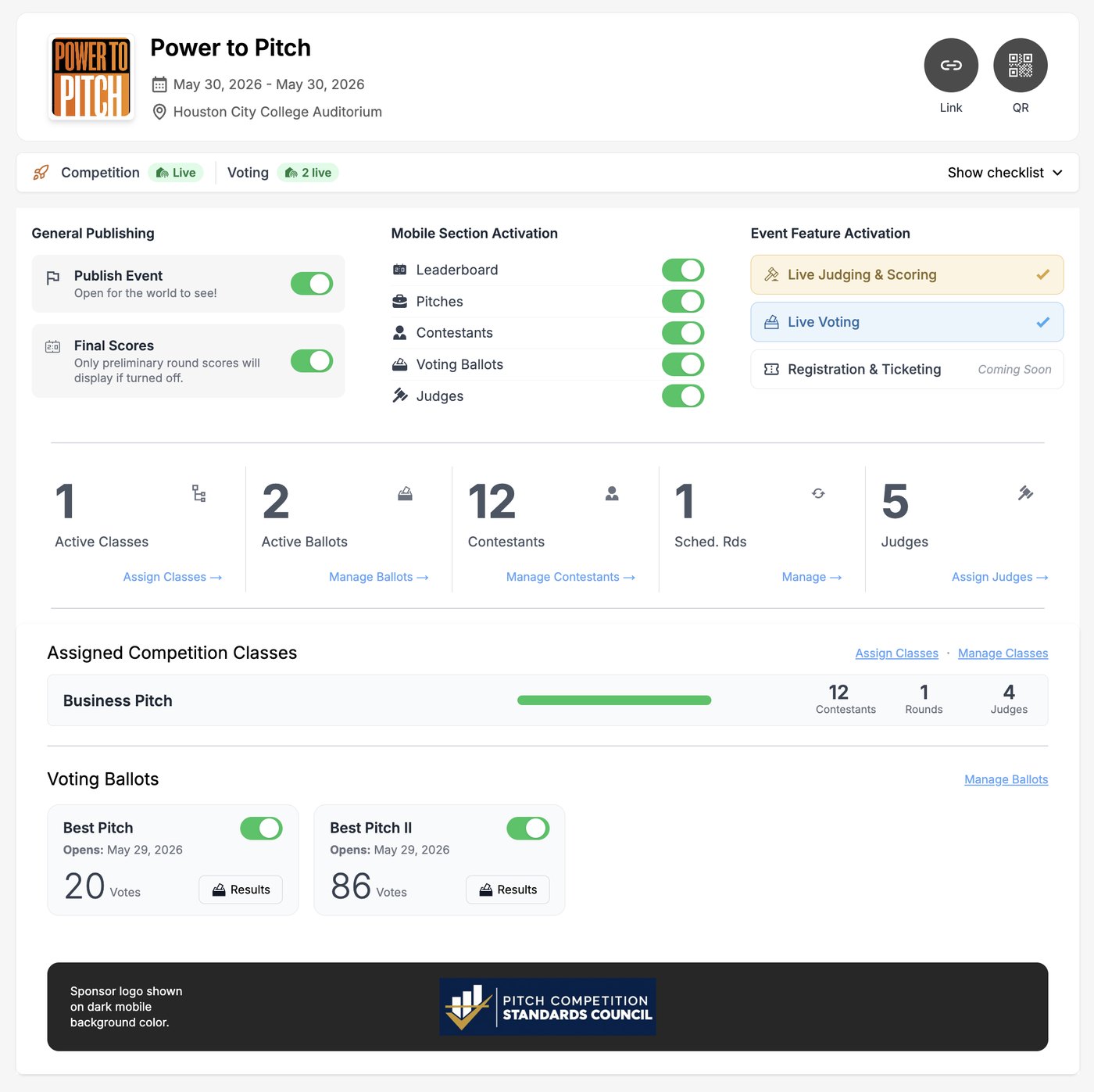
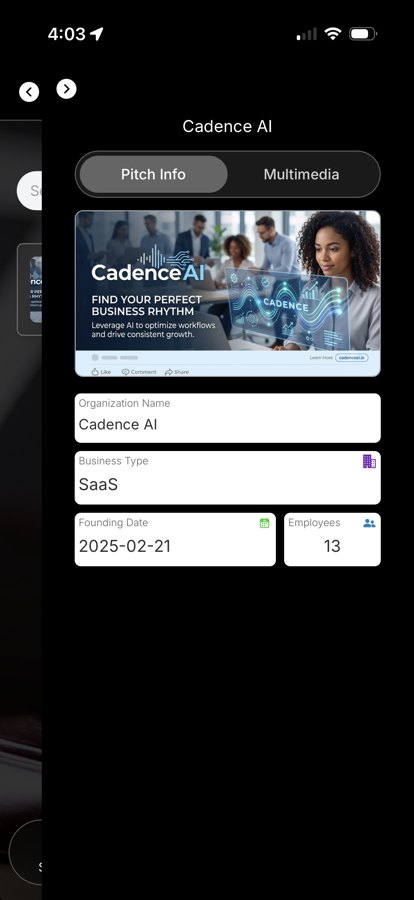
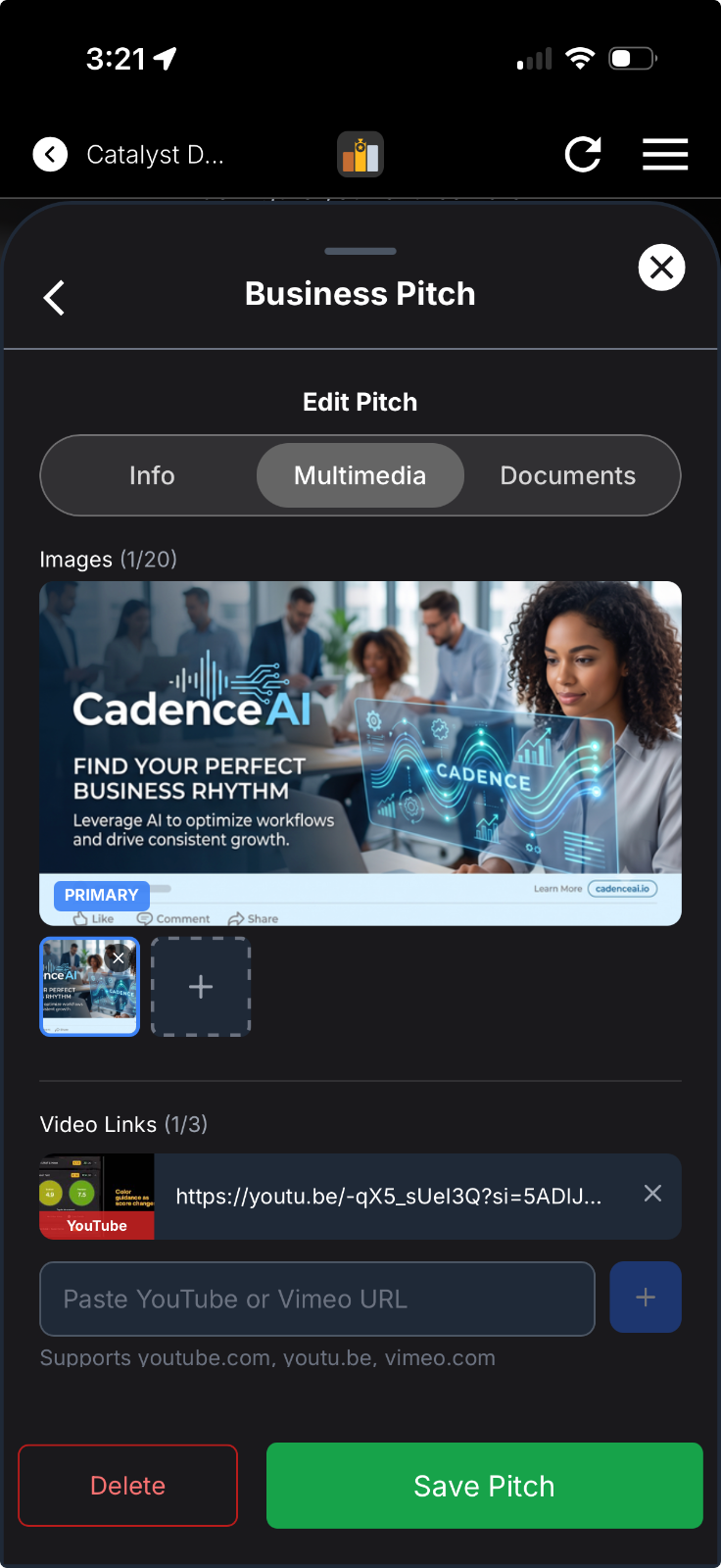
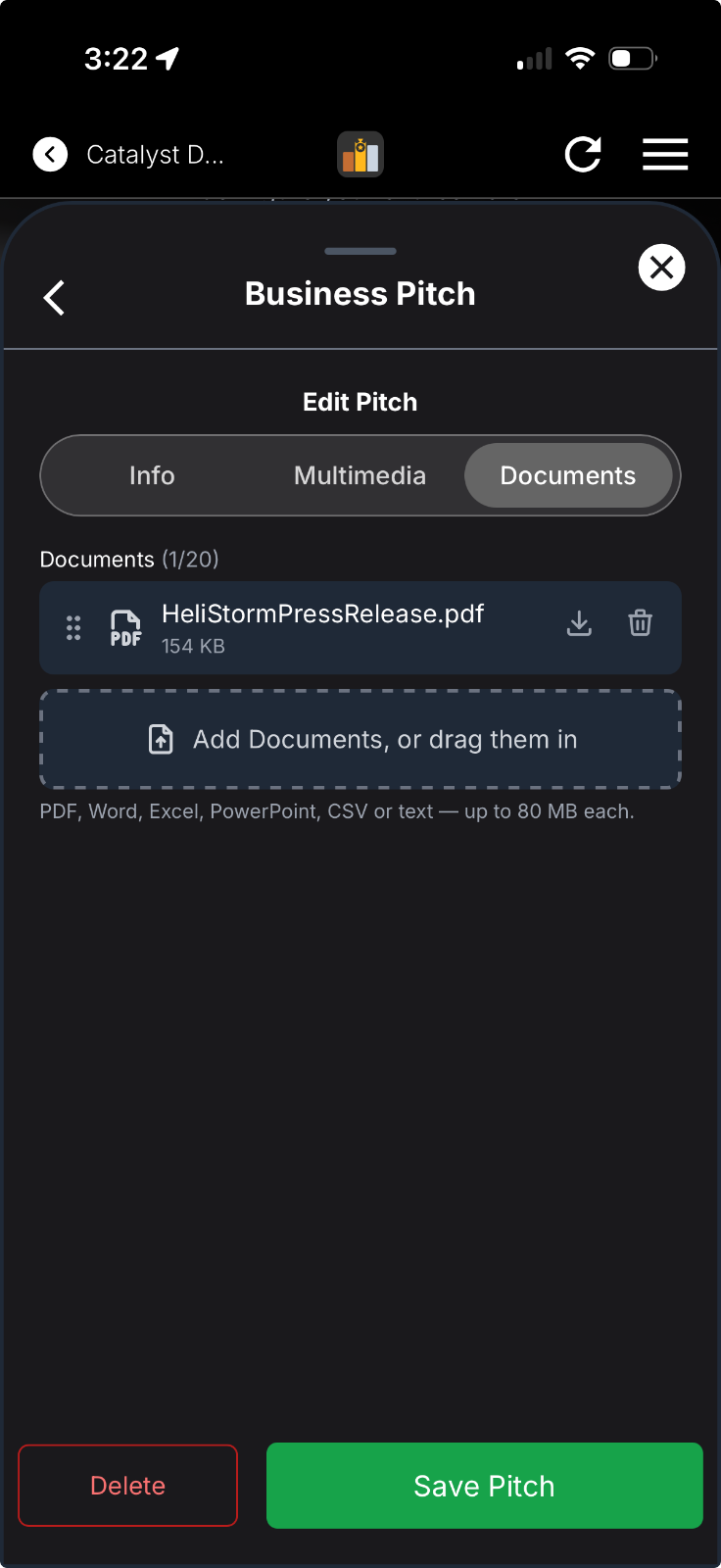
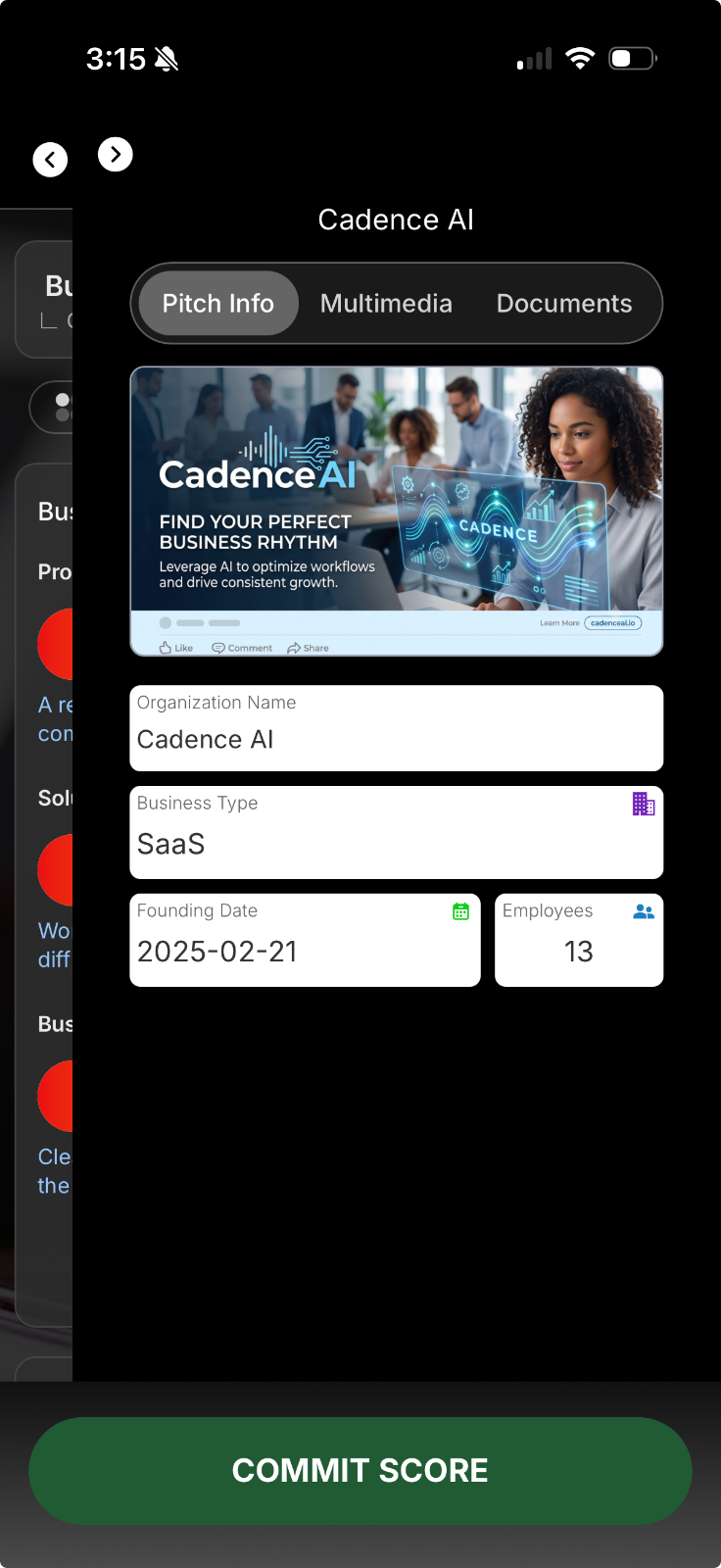
Signs in by scanning the event QR code. No password, no download. Sees their division, what is still missing from their submission, and what they will be scored on before they present.
Scores on their own phone against the published weights. Moving the slider displays the guideline for that value, so a 7.5 is not left to private interpretation. Tap mode covers panels who prefer discrete marks.
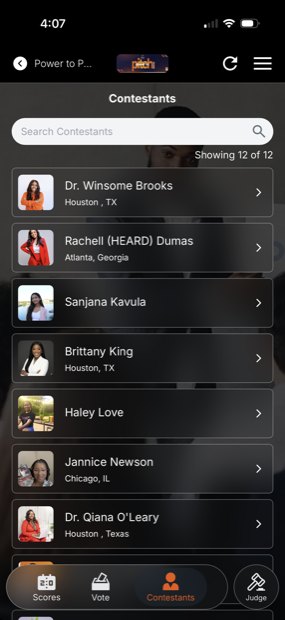
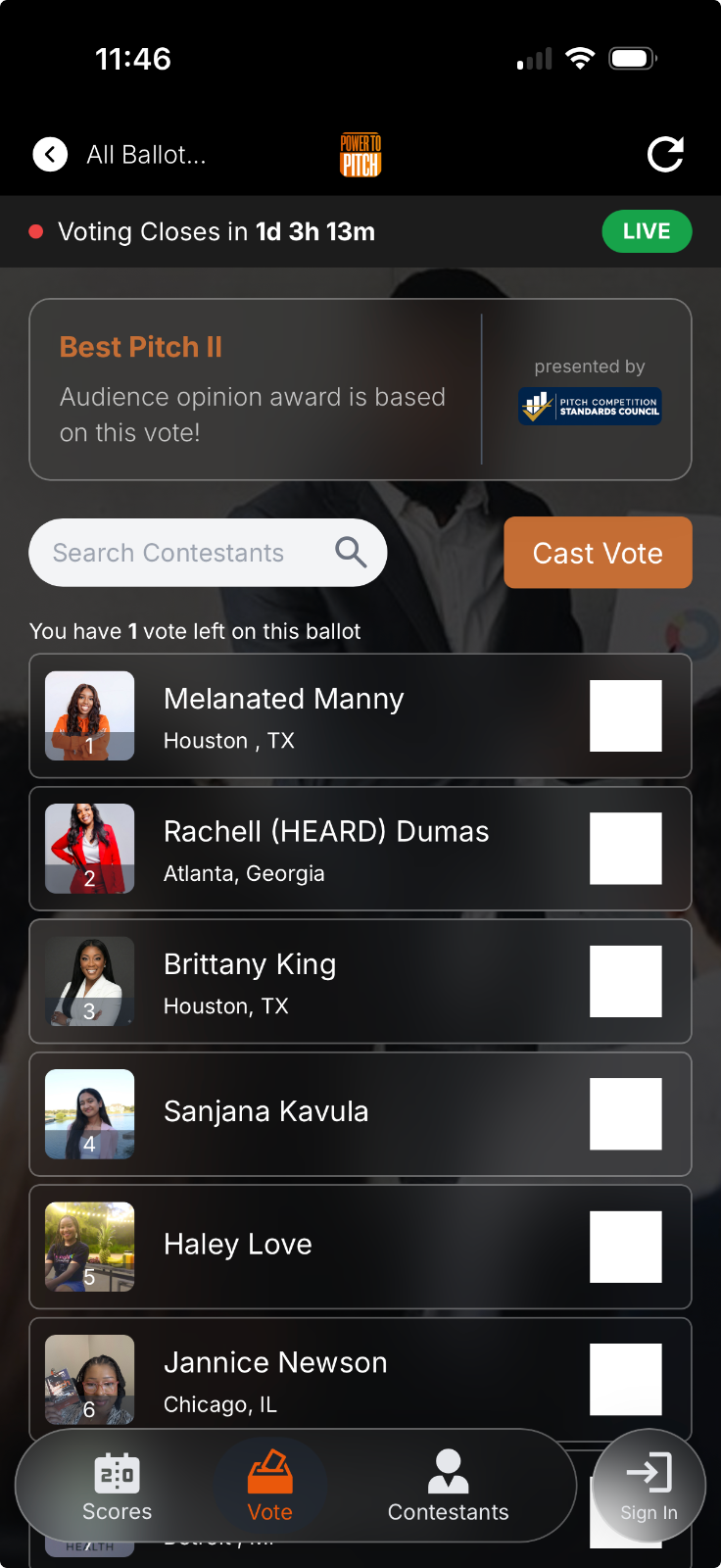
Scans the same code to browse the field from any seat in the room, and votes for a people's choice award. Audience voting is reported separately and never touches judged placement (unless you create a composite award which allows you to combine a vote with judged results according to a custom weighting).
LiveJudge™ is a progressive web app, which means there are no downloads. Contestants and judges sign in with their mobile numbers so no passwords. For additional details about the platform visit livejudge.com, or go straight to its pitch competition judging software page.